Category: Technology

  • Changing font-size in Ubuntu 12.10 without MyUnity

    Since MyUnity isn’t available yet in Ubuntu 12.10 Quantal Quetzal i though i’d write a quick update to my previous post which isn’t working on Ubuntu 12.10.

    The process is fairly simple, just run the command below and adjust them to whatever your preferred settings are.

    Just keep in mind to double-check that the fonts you’re using are indeed install. Otherwise you’ll end up in a world of hurt when you reboot.

    gsettings set org.gnome.nautilus.desktop font "Ubuntu 10"
    gsettings set org.gnome.desktop.wm.preferences titlebar-font "Ubuntu Bold 10"
    gsettings set org.gnome.desktop.interface document-font-name "Ubuntu 10"
    gsettings set org.gnome.desktop.interface font-name "Ubuntu 10"
    gsettings set org.gnome.desktop.interface monospace-font-name "Ubuntu Mono 11"

  • Changing the default font-size on Ubuntu 12.04

    Changing the default font-size on Ubuntu 12.04

    Are you like me and feel a bit overwhelmed by the default massive font-size in Ubuntu? Well, if you’re on Ubuntu 12.04 you’re in luck. Since there is a really easy way to change this setting.

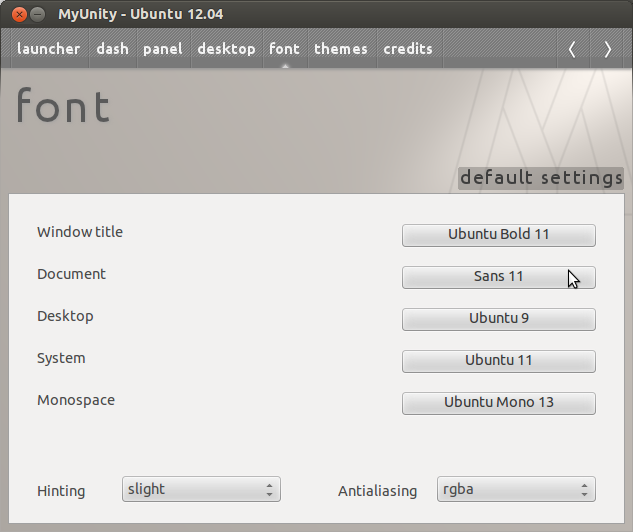
    Luckly and thanks to some helpful individual we have MyUnity. MyUnity is a simple little tool that let you tweek most of Unity in 12.04 without having to install gnome-tweak-tool. The usage is really straightforward and it’ll have you customizing Ubuntu in no time.

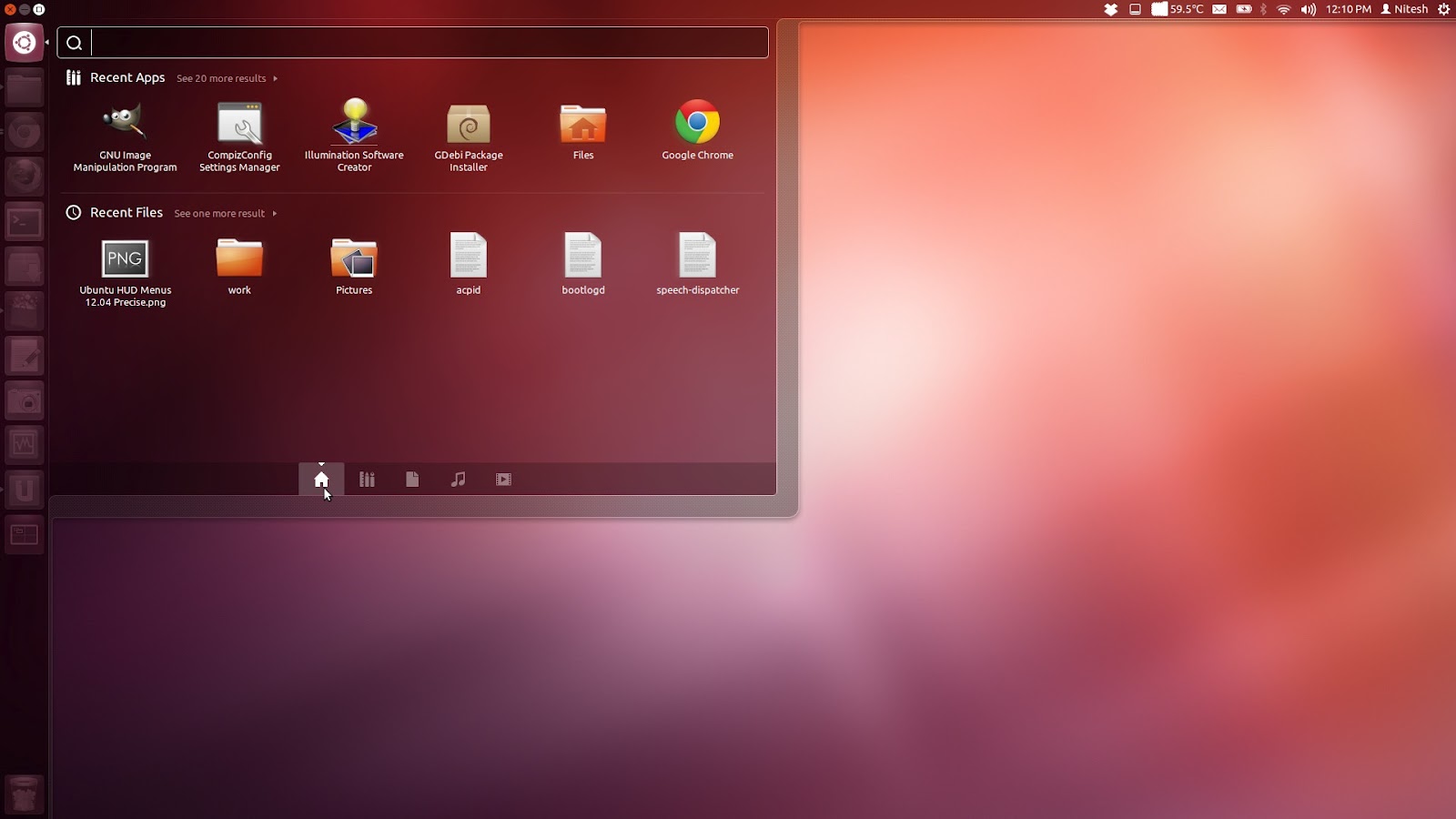
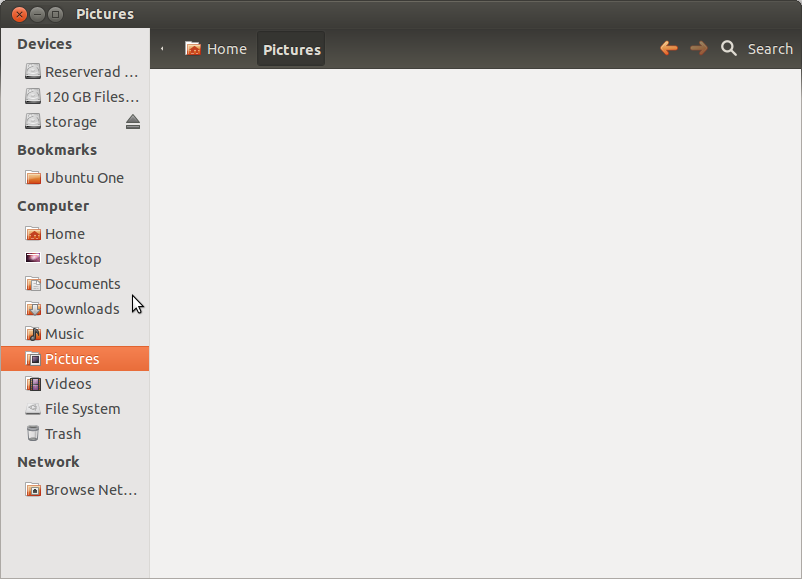
    This is how my default Ubuntu 12.04 looked like:

    Changing the font using MyUnity:

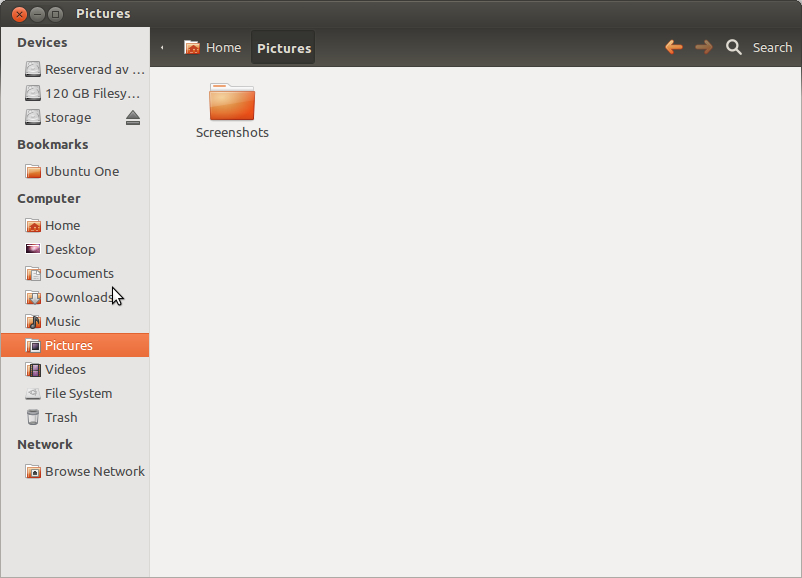
    And the result:

    It seems like this tool only work with 12.04 and older, so please read the appropriate documentation if you try and use it on a Ubuntu version below this. Also, i strongly recommend that you reboot your machine after doing the settings.

    Good luck and happy Ubuntu-ing!

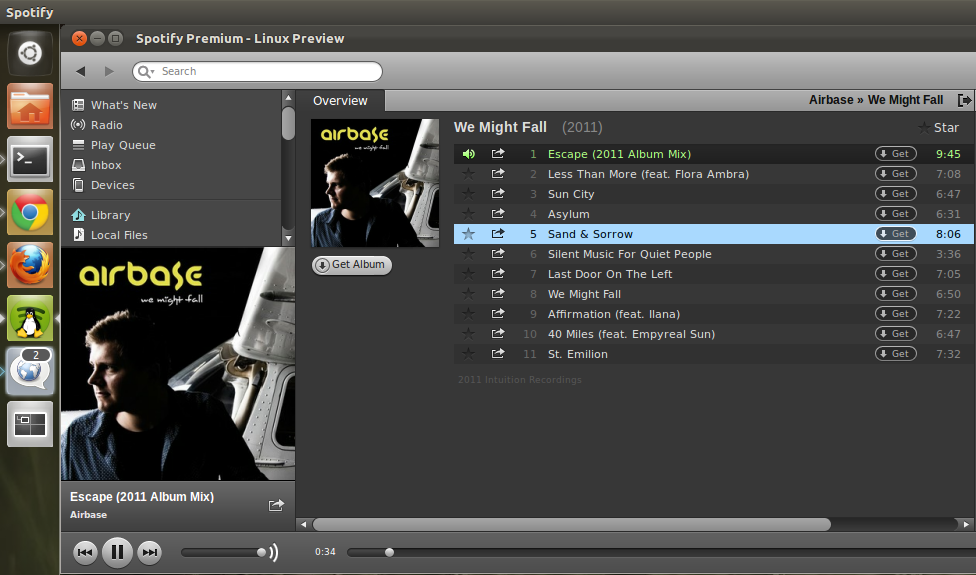
  • How to get local files working with Ubuntu 11.10 and Spotify

    Running in to the pesky “no codec found” when trying to play your local mp3 files in Spotify when you’re on a freshly installed Ubuntu 11.10? The problem is that Ubuntu recently changed the Qt media backend from libavcodec to gstreamer. While gstreamer plays (decodes) mp3-files just fine, Spotify wont have any of it.

    The solution is to manually add/install libavformat, libavutil and libavcodec52 from the previous Ubuntu version. Please notice that you need different set of files for the 32-bit and 64 bit version.

    32-bit Ubuntu:
    wget https://launchpad.net/~ubuntu-security/+archive/ppa/+build/2789249/+files/libavutil50_0.6.2-1ubuntu1.1_i386.deb

    wget https://launchpad.net/~ubuntu-security/+archive/ppa/+build/2789249/+files/libavcodec52_0.6.2-1ubuntu1.1_i386.deb

    wget https://launchpad.net/~ubuntu-security/+archive/ppa/+build/2789249/+files/libavformat52_0.6.2-1ubuntu1.1_i386.deb

    sudo dpkg -i libavutil50_0.6.2-1ubuntu1.1_i386.deb && sudo dpkg -i libavcodec52_0.6.2-1ubuntu1.1_i386.deb && sudo dpkg -i libavformat52_0.6.2-1ubuntu1.1_i386.deb

    64-bit Ubuntu:
    wget https://launchpad.net/~ubuntu-security/+archive/ppa/+build/2789247/+files/libavutil50_0.6.2-1ubuntu1.1_amd64.deb

    wget https://launchpad.net/~ubuntu-security/+archive/ppa/+build/2789247/+files/libavcodec52_0.6.2-1ubuntu1.1_amd64.deb

    wget https://launchpad.net/~ubuntu-security/+archive/ppa/+build/2789247/+files/libavformat52_0.6.2-1ubuntu1.1_amd64.deb

    sudo dpkg -i libavutil50_0.6.2-1ubuntu1.1_amd64.deb && sudo dpkg -i libavcodec52_0.6.2-1ubuntu1.1_amd64.deb && sudo dpkg -i libavformat52_0.6.2-1ubuntu1.1_amd64.deb

    No Spotify-restart required, it just works ™.

  • Java 7 prevents FTP transfers on Windows when firewall is on

    Java 7 prevents FTP transfers on Windows when firewall is on

    Experiencing problems with Java 7 and FTP transfers? You’re not alone since a nasty bug has slipped in to the seventh installment of Java and it’s causing major problems for its users.

    The problem consists of the FTP command PORT in conjunction with Windows Firewall on Windows Vista and Windows 7. The firewall simply closed this connection which close the socket and the ftp-transfer fails.

    This problem is especially troublesome for web developers that are using the java powered IDEs Eclipse and Netbeans. Since a simple upgrade to Java 7 will immediately cause the ftp transfers to stop working and the only remedy is to either close down (turn off) your firewall or downgrade to Java 6. Explicitly allowing the Javaw.exe process through the firewall did not solve the issue for me.

    Oracle has been alerted of the issue on the 11th of August 2011, but unfortunately gave the bug a 4-Low in priority, which probably means that they don’t see the magnitude of the problem and we won’t see a fix for this issue anytime soon.

  • Installing Zend Server Community Edition (CE) on Ubuntu 10.04.3 LTS

    Looking for a fast, reliable and easy PHP stack on Ubuntu? Look no further, the Zend Server is probably what you’re looking for. And if you’re developing your PHP apps in Zend Framework it’s a no brainer.

    I’ve been through most of the different stacks out there including doing the complete LAMP-installation from scratch. Maintenance is troublesome and configuration (and lack of personal configuration-documentation) makes most of my installations unmanageable after a year or so. Until i found Zend Server, especially the Community Edition which is a completely free PHP stack backed and built by the people over at Zend Technologies Ltd.

    If you’ve ever looked into different PHP frameworks you’ve probably stumbled over Zend Framework, which ties in extremely well with the Zend Server. So if you’re developing PHP apps using Zend Framework, the Zend Server will make your life a lot easier.

    Zend Server is a pre-integrated PHP application stack including the most up to date setup and configuration for your server (VPS, Amazon AMI etc). It includes Bytecode accelerator (Optimizer+), Zend Data Cache, A certified PHP distribution, Zend Framework, Apache (or IIS integration), Out-of-the-box connectivity to all common databases, Java code connectivity and a Web-based PHP administrator console.

    I recently setup another Ubuntu Server with Zend Server CE and thought i’d quickly run through the various commands you need to be up and running within no-time.

    I strongly recommend that you install this on a fresh server since Zend Server is preconfigured with webservers, databases, php etc out of the box. If you already have Apache, PHP etc installed on your machine you’re probably going to run into trouble. Also please keep in mind that you need to have sudo-access for this.

    Installing Zend Server Community Edition (CE) on Ubuntu 10.04.3 LTS

    Start by adding the official Zend debs to your distribution.
    sudo nano /etc/apt/sources.list

    And the following snipplet in the bottom of the file
    deb http://repos.zend.com/zend-server/deb server non-free

    Add the Zend’s repository public key
    wget http://repos.zend.com/zend.key -O- | sudo apt-key add -

    Now synchronize the repositories
    sudo apt-get update

    Finally install Zend Server with PHP 5.3
    sudo apt-get install zend-server-ce-php-5.3

    All done, you now have Zend Server Community Edition installed!

    You can access your installation via https://localhost:10082/ZendServer (secure) or http://localhost:10081/ZendServer. If you cannot access your server via a browser on localhost, just replace localhost with either the servers public IP or a domainname.

    From here on there are millions of opportunities, but i’ll try and cover those in another guide. Good luck and happy coding!

    More information and links:
    Zend Server Community Edition
    Zend Framework
    Zend Technologies Ltd.
  • Google listen up! Buzz needs proper localization to overpower Twitter. And here is how!

    And no, we do not want to have the Buzz interface localized in to our own language. We want to publish Buzz-posts in our native language, without having to use a dedicated account for it. Allow me to explain.

    Surprisingly enough isn’t English the only language on this planet, and a lot of people is struggling with numerous twitter-accounts to accommodate the followers. It is a annoyance for my English followers when i Tweet in Swedish and is probably equally annoying for any non-English-speaking-follower when i post in English. So the simple solution here is to use two accounts, yes? No.

    Since Buzz is in early development it is the perfect opportunity to introduce a meta-tag called “locale” or “localization” with each Buzz. If i post something in English on my tommiepodzemski-buzz account i simply tag it with the “en_US”-locale and if i’m posting something in Swedish i simply tag it with “se_SV” (and i’m sure you translation-wizards will figure out a way to auto-detect language to make this even more streamlined for the user).

    With this meta-data it’s a matter of UI adjustments to have an option which allow any Buzz-user to select which language-filter to for your friends buzz-stream. In my context, i’ll simply allow English and Swedish buzzes only. Rejoice! My Finnish, danish, Russian, Belgian, Dutch (ok, you get the picture) friend can now keep on Buzzing in any language they prefer. But i will only see stuff that i can actually read, ergo English and Swedish.

    This is something that Twitter is missing out on and i know this is something that a lot of users are missing out on – both on Buzz and on Twitter.

    So that’s that, update the code, adjust the UI and commit the change. Sit back and just enjoy the profit.

  • Using Google Buzz with your Google Apps account

    Since it’s still a few months to go before Google roll out Buzz for its Apps users i decided to do a little Google Chrome Extension which enables Buzz for Google Apps users. It’s not a pretty solution but it works until Google gives us native access through Gmail.

    First off, install the Buzzter Google Chrome Extension.

    • Open http://gmail.com, logout from any gmail account.
    • Login using your Google Apps for Domain account ([email protected]).
    • Google will take you to a “Sign up for Gmail”-page. Close Gmail, DO NOT SIGN UP!

    Buzzter should work now as you’ve got a valid gmail-cookie, but connected to a google apps for domains account. Also keep in mind that location-services works very very poorly using a browser (obviously).

    You can also access Google Buzz via your Apps account using you mobile, just navigate to http://buzz.google.com (and be sure to be logged in as your Apps account).

    GMail users can follow me using this link (Need to be logged in to Gmail) and Apps Users can follow me by searching for “tommie podzemski” on Buzz.

  • Shortening of URLs and a quite worrisome future for the web

    While link-shortening might seem like a brilliant idea, not to mention a huge benefit for the user – it raises a few questions-marks and issues which should not be taken lightly. Especially in a context where more and more users start their own shortening-services.

    Here is a few general questions to ask yourself:

    How will we archive the web?
    As sites today are centralized around links, it will be a problem archiving websites for the future – how can one determine where a link will end up as it will be cloaked by a third party service? And how will robots be able to know which links to follow (internal) or which links to ignore (external)?

    Is it really a smart idea to solely rely on a third party service?
    A third party service is not something that should be considered to be constant, it might not be the best of ideas to pipe all your internal and external links through a service. As with any service, uptime is not at 100%, not even at Google.

    No visual confirmation
    Endpoints of links can often be determined by simply looking at a link, something that’ll take you to redtube.com/x/y/z is probably not something you should click on while at work. Though, the link above could easily be cloaked as bit.ly/zyx.

    Validity of the link and service
    Sure, today we can trust that Bit.ly, shurl etc will take you to the links intended endpoint. But what happens if one of the services are bought by, say, a porn or spam company? The purchaser will have unconditionally control over hundred thousands of links on hundred of thousand website, giving them the right to point the link wherever they see fit or quite possibly to the highest bidder.

    Tipping the balance of the webs relevance
    Keep in mind that we live in a link-economy, where your website relevance is partially judged by how many links in-links your website has. Using shortening-services on outbound links will “rob” the endpoint of it’s relevance in Google, and it’s quite likely that you will loose the same based on people not linking you directly.

    With subsequent services like Twitter it’s important to save those bits, but the use of a third party solution might not be the most beneficial idea. Shortening-services should be used with care and concern.

    On the bright side there have been talks about a link consortium, where all shortening-services reports their links to a central place/database where one can do legacy lookup of links. It might be the solution, though it’s far away.

  • Apple banged on the big drum, but not much came out.

    iphone1The classic pitfall of screaming to loud and delivering to little is something one would believe that Apple knew by heart. Well, apparently not with the ‘It’s Only Rock and Roll’-event on Wednesday.

    While the rumor mill had gone crazy over the last months (like it always does), the expectations where at a all time high and even though Apple introduced a video camera to the iPod Nano, new iPhone os 3.1, new hardware platform for the touch and minor software-changes, I think we all felt a little disappointed and maybe even cheated.

    The event itself was very centralized around the Apple Ipod Touch product-line and specifically using the Touch as a gaming platform and demoed Madden NFL 10, Nova, Assassin’s Creed, Riddim Ribbon. Where Riddim Ribbon looked particularly exciting.

    Steve Jobs seems to be back in full force and did a much appreciated appearance on the stages which received standing ovations. Hopefully he’ll be a breath of fresh air for Apple as they really need to “wow” a bit more than the ‘It’s Only Rock and Roll’-event to stay on the cutting edge.

  • How many users does Twitter have, really?

    twitterThrough a pet-project of mine (foratweet.com) i accidentally stumble upon some interesting Twitter stats.

    As it’s possible to extract your userid from the twitter-api, giving you a somewhat unique way to check how many users there are on Twitter. Given that they use a sequential userid-system, which many indications point toward.

    So, how many does users twitter have?
    Using the data from the API i found out the following statistics.

    And if this data is sequential, we’re looking at roughly 70 000 000 users worldwide and its approx 100 times bigger 2009 than 2007 with a 10000% user-increase.

    This also means that Twitter would have needed to scale their systems with over 10 000%, something we inevitably know that they failed with, which actually gives those numbers some substance.